
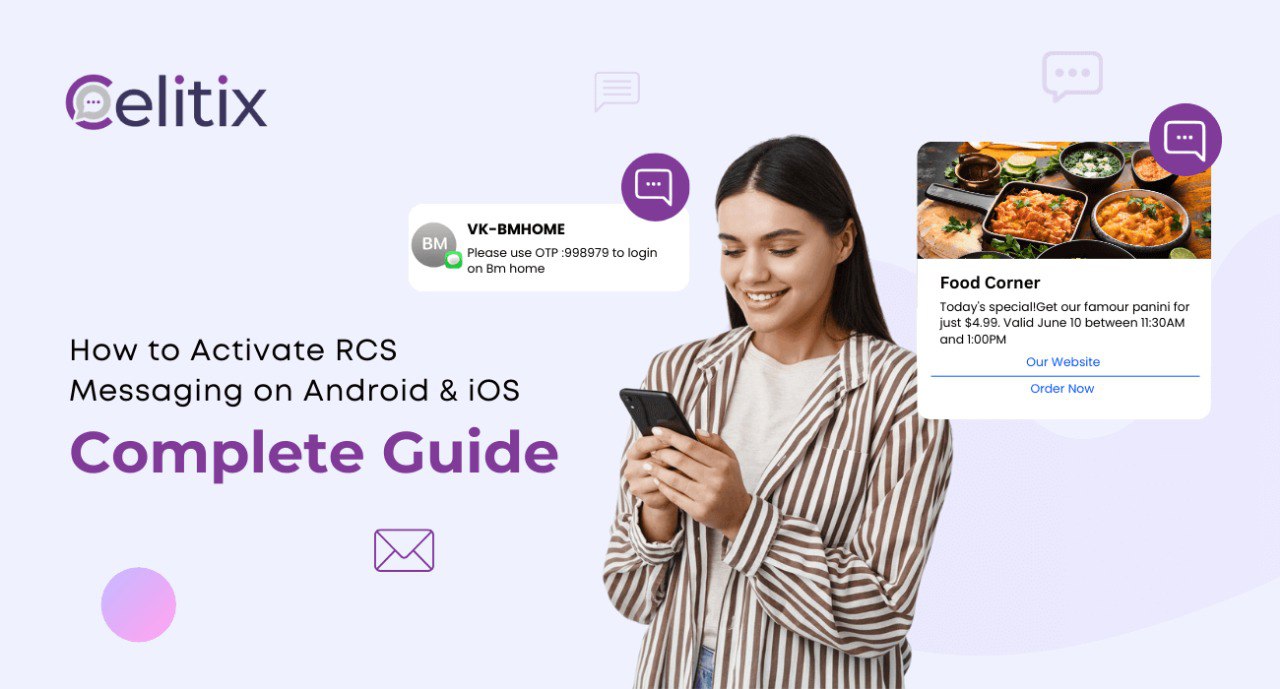
Whether you’re a smartphone user wanting to enhance your texting experience or a business ready to improve your SMS marketing service, this guide will provide all the information you need about Rich Communication Services (RCS) and how to activate them on both Android and iOS devices.
What is RCS Messaging?
RCS, or Rich Communication Services, is the next step beyond traditional SMS. Think of it as a smarter, more modern way to text that includes:
– High-resolution photo and video sharing
– Read receipts and typing indicators
– Interactive buttons and carousels
– Enhanced group chats
– Wi-Fi and mobile data support
– Business verification and branding
With RCS chat, your phone becomes as powerful as apps like WhatsApp or iMessage, but it’s integrated into your default messaging app. No logins or new accounts are required. Just smarter conversations.
At Celitix, we focus on helping businesses activate and use RCS messaging to create rich, meaningful customer journeys that go beyond the limitations of SMS.
Why RCS Is the Future of Messaging
Let’s explore why RCS matters for both users and businesses:
For Users:
– More expressive chats: HD media, real-time updates, interactive replies
– Seamless connection: Works over Wi-Fi or mobile data
– No extra app required: Runs from your phone’s default messaging platform
For Businesses:
– Increase engagement with rich media messages
– Verified sender ID builds trust with customers
– Access real-time metrics for opens, clicks, and conversions
– Ideal for enhancing your SMS marketing campaigns
If your business relies on SMS marketing, it’s time to upgrade to RCS with Celitix and start having real conversations, not just sending texts.
How to Activate RCS on Android
Android has supported RCS since 2017, but many users may still have it turned off. Here’s how to get started:
Step 1: Install Google Messages
If you’re not already using it, download Google Messages from the Play Store. It’s the official messaging app that supports RCS on most Android phones.
Step 2: Make It Your Default App
Once installed, open the app. If prompted, set Google Messages as your default SMS app.
Step 3: Turn on Chat Features
- Tap your profile icon in the top-right corner.
- Select Messages Settings.
- Tap Chat Features.
- Toggle Enable Chat Features to ON.
- Enter and verify your phone number if required.
If successful, the status will change to Connected, and you’ll now be using RCS messaging.
Troubleshooting Tip:
If you see “Setting up…”, try these steps:
– Toggle airplane mode on and off.
– Clear the Google Messages cache.
– Restart your phone.
If you still have issues, Celitix can help you troubleshoot and activate RCS services for personal or business use.
How to Activate RCS on iPhone (iOS 18+)
Apple finally added RCS support in iOS 18, making cross-platform messaging better and more consistent. Here’s how to activate it:
Step 1: Check iOS Version
Go to Settings → General → About. If you’re not on iOS 18 or later, jump to Software Update and install the latest version.
RCS is supported on:
– iPhone XR, XS, SE (2nd Gen), and newer
– iPhone 11, 12, 13, 14, 15, 16 series
Older devices (iPhone X and prior) won’t support RCS.
Step 2: Confirm Carrier Support
Your network provider must support RCS. Go to: Settings → About → SIM → IMS Status
You should see something like: Voice, SMS & RCS. If not, contact your carrier or switch to one that supports RCS.
Step 3: Enable RCS Messaging
- Go to Settings.
- Tap Messages.
- Scroll to Text Messaging.
- Tap RCS Messages.
- Toggle ON.
Now your iPhone will support RCS chat, and messages to Android users will include media, reactions, and read indicators, just like iMessage.
How to Turn RCS Messaging Off
If you prefer traditional SMS, you can turn RCS off anytime.
On Android:
– Google Messages → Settings → Chat Features → Disable Chat
On iPhone:
– Settings → Messages → RCS Messages → Toggle OFF
RCS deactivated, back to SMS/MMS mode.
RCS Messaging for Business: The Celitix Advantage
At Celitix, we don’t just help individuals activate RCS; we help brands thrive with it.
RCS is transforming SMS marketing from simple blasts into meaningful conversations. With our platform, your business can:
– Deliver visually engaging promotions
– Offer tap-to-buy and tap-to-book messages
– Send reminders, OTPs, surveys, and feedback requests
– Track user engagement in real-time
– Build trust with verified sender profiles
All through a secure, seamless RCS messaging service that works natively on billions of smartphones.
Key Takeaways
RCS is the modern upgrade to SMS, offering a rich, app-like messaging experience.
Android users can enable it through Google Messages.
iPhone users can activate RCS with iOS 18 and a compatible carrier.
Businesses can use RCS to boost customer engagement with better, branded messaging.
Ready to move beyond SMS? Celitix makes it easy to activate and scale RCS messaging services for your team or customers. Whether you’re looking to improve customer support, streamline marketing, or upgrade notifications, we’re here to assist.
Let Celitix Help You Unlock RCS
Still unsure where to start? That’s why we’re here. Celitix offers tailored support for:
– RCS onboarding and activation
– Carrier configuration and troubleshooting
– Custom branded messaging solutions
– Integration with existing CRM and marketing tools
Get in touch today and let’s enhance your communication together.
FaQs
Q1: What is RCS messaging?
A: RCS messaging, or Rich Communication Services, is an advanced texting service that offers features like high-res photos, typing indicators, and read receipts—much better than regular SMS.
Q2: How do I activate RCS chat on Android?
A: Install Google Messages, set it as your default app, then enable RCS chat in the app settings.
Q3: Does my carrier support RCS service?
A: You need to check with your mobile provider, as RCS service requires carrier support to work properly.
Q4: Can I use RCS messaging on my iPhone?
A: Yes, iPhones with iOS 18 and above can use RCS messaging if their carrier supports it.
Q5: How does RCS improve SMS marketing services?
A: RCS messaging enhances SMS marketing by allowing rich media, interactive buttons, and better engagement with customers.
Q6: What if my contact doesn’t have RCS enabled?
A: Messages will automatically revert to standard SMS to ensure delivery.
Q7: Is RCS chat secure?
A: RCS messaging offers improved security features compared to SMS, including verified business profiles.
Q8: How do I turn off RCS messaging?
A: On Android, disable chat features in Google Messages settings; on iPhone, toggle off RCS Messages in settings.
Q9: Will switching carriers affect RCS messaging?
A: Yes, changing carriers may require you to set up RCS messaging again.
Q10: Can RCS messaging work over Wi-Fi?
A: Yes, RCS service works over both Wi-Fi and mobile data.